Main preset shot with the dark ZippaX route presentation and a stronger release look.
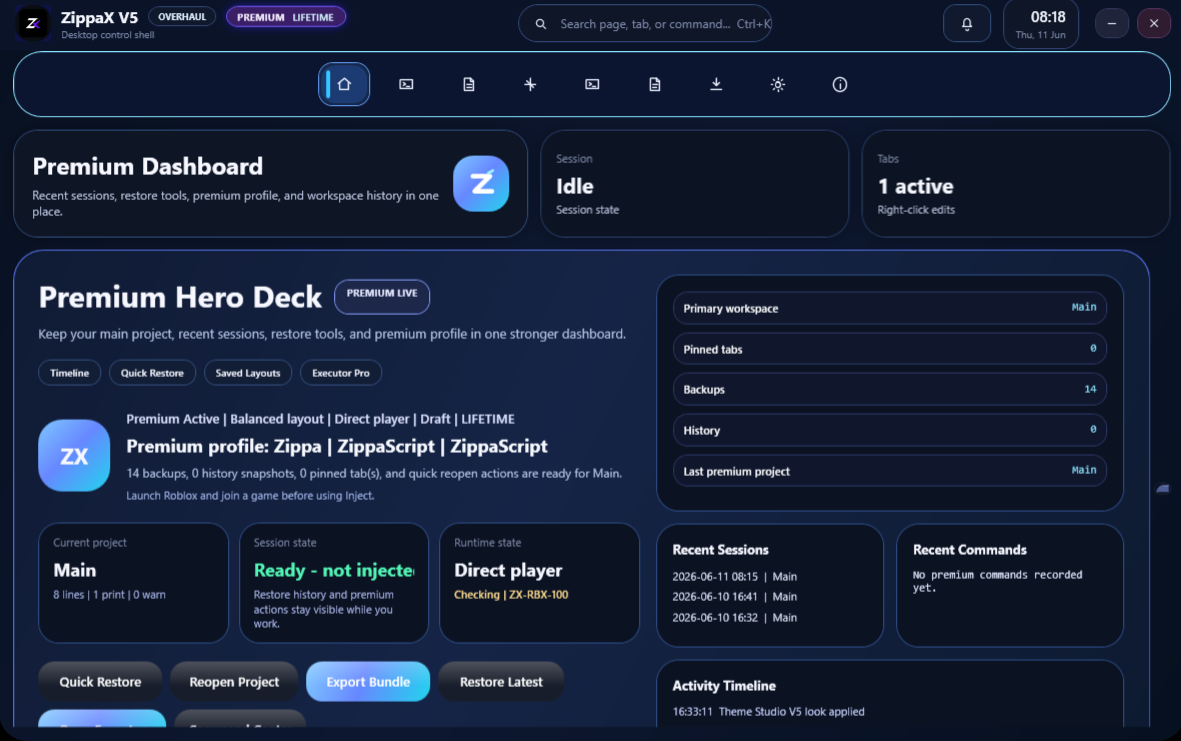
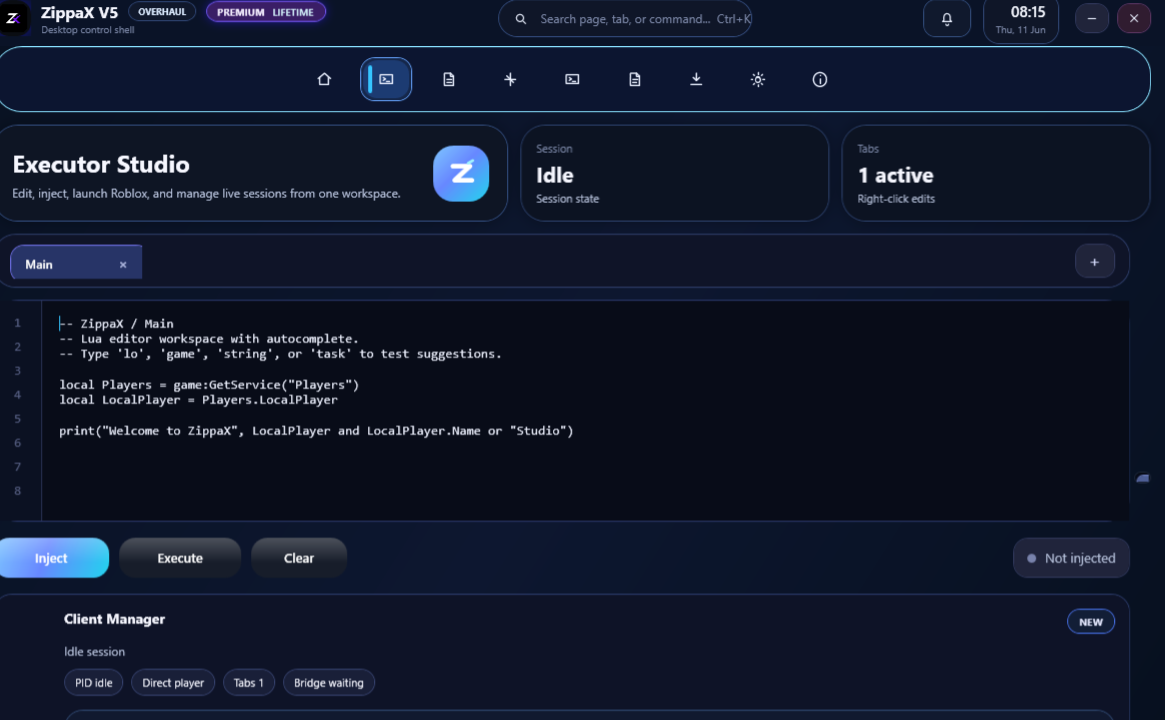
Downloads are open and the main ZippaX desktop route is working normally.
No key wall, simple route split, and a faster darker hub focused on getting people into the right lane fast.
A stronger planet effect keeps the home page alive while the route status continues to pulse.
Important pages now live
The main new pages are visible here now so you can open them directly without digging through the footer.
Open the most useful new pages first: premium comparison, roadmap, incidents, release notes, guide, and full FAQ center.
Compare Free, Premium, and Elite with cleaner perks and support priority.
02 RoadmapSee what shipped in V6, what is moving now, and what is planned next.
03 Incident CenterDetailed outage and host issue tracking, separate from the fast status page.
04 Release NotesCleaner version cards with highlights, fixes, and build notes.
05 FAQ CenterA dedicated question hub with search and cleaner answers.
06 Starter GuideStep-by-step help for download, Discord verify, premium, and key use.
Choose your device
Simple route split. Pick desktop or mobile, then continue inside the real page for that device.
How To Install
Clear steps for desktop users, plus a built-in tutorial video for first launch and setup guidance.
Choose A Client
Select either Modern Client or Old Client inside the ZippaX portal.
Join Discord
Open the Discord invite, return to the portal, then wait for the timer and confirm the check.
Enter Your Email
Add your email before the loading bar can continue to the release step.
Wait For The Loader
Let the loading bar finish. The package download launches at the end automatically.
Open The Package
Open the delivered package and continue with your selected route once the portal flow is complete.
Launch On Desktop
Open the extracted Windows build on desktop or laptop only. Mobile and console are unsupported.
Guided Tutorials
Start a guided walkthrough that scrolls across the site, highlights the right controls, and demonstrates the main ZippaX flows step by step.
Full ZippaX V6 install walkthrough
Launch a guided demo that opens the download route, selects the modern client, fills a Discord username, enters an email, and explains each desktop-only step with a spotlight overlay.
Browse by topic
ZippaX Status
Check the current desktop route before starting the download flow.
Stable
Downloads are open and the main ZippaX desktop route is working normally.
Before You Download
Simple requirements for the ZippaX desktop flow so users know exactly what they need before starting the wizard.
Windows 10 or 11
The archive flow is built around a desktop Windows environment.
Desktop Or Laptop Only
Phones, tablets, and consoles are blocked from the download flow.
Discord Confirmation
Users must open the Discord invite, wait the timer, then confirm before loading begins.
Email + Key Flow
The download route needs your email, and premium run access later uses an email plus a special key instead of a password flow.
Popular With ZippaX
These are the scripts most naturally paired with the executor flow and premium desktop setup.
Premium Key Access
Create your premium run access with an email and special key, then manage the linked run state from one dark access block.
Use the key access route to create a premium run access with your email and special key.
Use your email and special key on the dedicated access page.
Use the same email and special key to reopen the premium run access later.
Keep the protected run connected to your access state without forcing a separate dashboard flow.
Game Categories
Jump into focused categories and filter the entire script library instantly. Rivals is highlighted as the main ZippaHub track.
Featured Scripts
Search, filter, sort, inspect details, and copy loader placeholders from one polished front-end layer.
Try another keyword, category, game, or status.
Built Like A Real Hub
A clean front-end foundation for scripts, categories, updates, and future systems.
Clean Script Library
Structured cards keep every loader, status, tag, and version easy to scan.
Fast Navigation
Sticky navigation, active states, shortcuts, and focused browsing make the site feel responsive.
Modern Design
Glass panels, crisp borders, soft glow, and dense control-room cues create a premium feel.
Easy Management
All script entries live in one readable JavaScript array with simple fields.
Game Categories
Category cards connect directly to filters so new games can be added cleanly.
Future Ready
The layout can expand into paste links, Discord routes, download pages, or docs.
Rivals Gets The Main Lane
ZippaHub is shaped around a Rivals-first library: faster discovery, clearer status labels, and a dedicated place for high-priority updates.
ZippaX Update Log
A dedicated release log for the executor route, release health, and desktop delivery changes.
New version promoted on home
The home page now pushes V6 directly with a stronger install message, clearer release callouts, and a cleaner update banner.
Download wizard rebuilt
Added the multi-step client flow, Discord unlock gate, desktop-only warning, and cleaner package delivery summary.
Rivals branch expanded
Added more Rivals-focused entries, stronger featured support, and better popularity sorting.
Desktop gating improved
Blocked unsupported mobile, tablet, and console flows before the package launch step.
Latest Updates
A premium changelog zone for site updates, script additions, and future release notes.
New Rivals script added
Rivals Ultra is now featured as the priority script route.
UI redesign deployed
Dark premium panels, smoother motion, and improved library cards.
MultiGame section expanded
New loader placeholders and category filtering are ready for growth.
Search system updated
Live filtering now checks names, games, statuses, and tags instantly.
Build notes, fixes, and launch updates
New, fixed, and improved entries are now driven by the central V6 config so the release board stays clean.
Free vs Premium vs Elite
Quick visual comparison for route speed, support priority, dashboard access, and premium extras.
| Feature | Free | Premium | Elite |
|---|
ZippaX Questions
Quick answers for the download flow, device support, Discord unlock, and archive access.
Clean route, clear steps, no useless noise
The review wall is gone. This zone now shows the real route flow, what opens first, and what matters before install.
Open the right lane first: PC or Mobile.
Unlock the route and keep the main session linked.
Support lane, route check, and cleaner access follow.
Loading ends and the final hosted file takes over.
Primary route online with darker flow, hosted finish, and updated package split.
Direct support path stays visible if the install route needs a follow-up.
Premium route is separated cleanly so the main install lane stays simple.
Discord Support And Bug Reports
Join the support server for direct help, or send a clear ticket here with a title, description, and contact details for follow-up.
Open the official Discord support server
Use the Discord lane for fast download help, access issues, executor questions, or direct follow-up after sending a report.
discord.gg/P72SZtdFeX
Write a short title, explain the issue clearly, and optionally leave your Discord username so support can answer faster.
Every report now gets a ticket number, date, and route type so the support side feels more like a real queue.
Install ZippaX V6
The new V6 version is now the main promoted release on ZippaHub. Open the portal, choose your route, and install the newest desktop version.